It Sees,
It Clicks
Detect Clicker is an auto clicker with on-screen image detection. Build a script once, sit back and relax — no root required.
 ★ 4.5 · 200+ reviews · 10,000+ installs
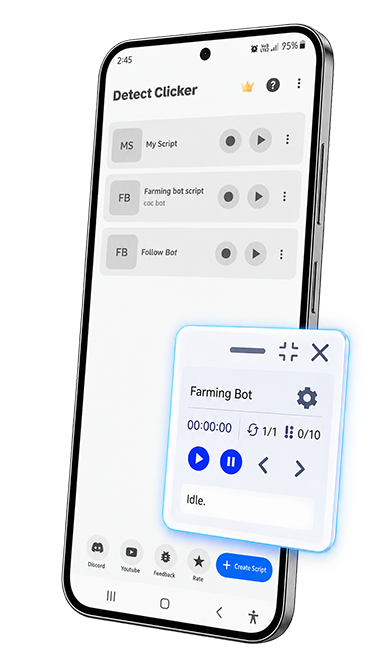 Match found · tapping
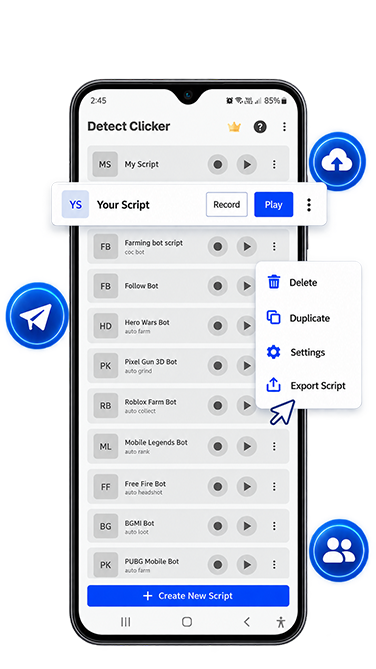
Image detection
Capture a template image. Detect Clicker checks for a match and triggers the actions you've set, whether the template shows up or never does.
- Trigger actions of your choice the moment the image appears
- Handle several matches on screen in the same pass
- Execute any actions if the template was found or not found
- Chain detection straight into your gesture script
Everything you need to automate
More capability is added with every update.
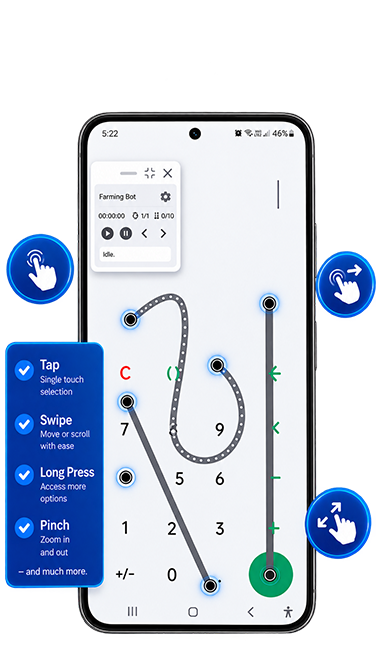
Image detection
Tap, swipe, or trigger any gesture the moment a selected image appears — or doesn't.
Full gesture set
Click, double-click, long-click, swipe, drag-and-drop, and pinch-to-zoom, each with its own timing and loops.
Record & replay
Record a sequence of gestures once, then replay it exactly, as many times as you need.
Script & macro builder
Build unlimited scripts and macros with as many steps, loops, and delays as your routine needs.
Import & export
Back up a script or hand it to someone else, in just a few steps.
No root required
Works with standard Android permissions, no rooting, no workarounds.
Getting started
From install to your first automated script.
-
1
Create a script
Manually add actions from the list of actions or record in real time to build your script.
-
2
Add image detection
Optionally capture a template for image detection, and Detect Clicker will find it and click for you.
-
3
Let it run
Detect Clicker watches the screen and dispatches the taps and gestures for as long as you need it to.